

November 19, 2026
More shoppers now ask an AI assistant what to buy. Here is how Anablock builds every site so agents can read it, trust it and send customers to buy, with the business still owning the sale.
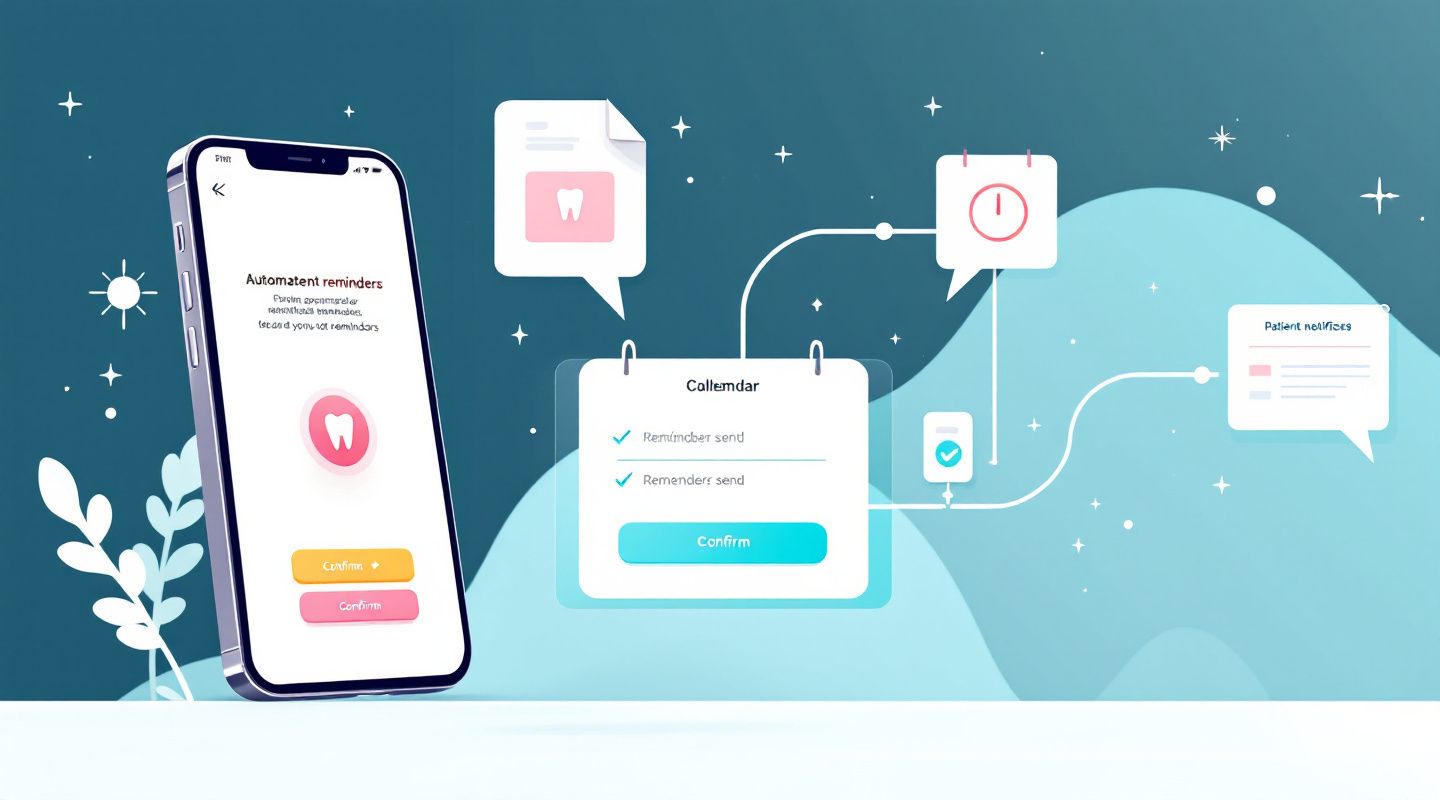
A patient books a dental appointment, receives the details, and everything seems organized. But when the appointment date arrives, they do not show up.
Missed appointments can disrupt a dental practice's schedule, leave valuable time unused, and create additional work for reception staff.
While patients miss appointments for different reasons, better communication can help reduce avoidable no-shows.
One practical solution is to introduce automated appointment reminders and connected patient communication workflows.
Dental practices manage appointments throughout the day, often across different dentists, treatments, and locations.
Without a consistent reminder process, patients may forget their appointments or overlook important booking details.
A structured reminder system can help patients remember the date and time of their visit, the clinic location, and how to contact the practice if they need to reschedule.
It also gives patients an opportunity to communicate changes before their appointment.
An automated appointment reminder is a message sent through a connected system according to a predefined schedule.
For example, a dental practice might configure reminders to be sent after an appointment is confirmed, a few days before the visit, and again closer to the appointment time.
Depending on the system, reminders can be delivered through SMS, email, or other supported communication channels.
A typical workflow could look like this:
This reduces the need for staff to contact every patient manually.
An organized reminder process starts with accurate appointment information.
Online dental scheduling allows patients to request or arrange appointments through a website or digital booking platform.
A dentist with online scheduling can give patients a convenient way to submit appointment requests and receive relevant booking information.
When a patient uses an appointment booking for website feature, their details can enter a connected workflow that helps the practice manage the request and send appropriate updates.
The scheduling platform should provide accurate appointment information before automated reminders are sent.
Sending reminders is only one part of appointment management. Dental practices also need to handle cancellations, rescheduling requests, new enquiries, and follow-ups.
This is where workflow automation services can make a difference.
A connected workflow can help a practice send reminders when appointments are approaching, notify reception when a patient requests a change, route cancellation requests, and record communication activity.
For example, if a patient responds to a reminder saying they cannot attend, the system could notify reception staff to review the request and arrange the next step.
Send reminders at useful intervals. Consider sending a reminder after booking and another before the appointment. Timing should reflect your practice's policy.
Keep messages simple. Include the appointment date, time, clinic location, and a clear way to contact the practice.
Make rescheduling easy. Patients should know what to do if they cannot attend.
Use appropriate channels. Some patients prefer SMS, while others may respond better to email. Respect communication preferences and consent.
Keep a human involved. Staff should be available to handle questions and special requests.
Appointment reminders contribute to the overall patient experience.
When online scheduling, automated communication, and internal workflows work together, practices can make appointment management more organized and convenient.
Anablock helps businesses explore connected systems, AI-powered communication, and workflow automation.
Ready to make appointment management easier for your dental practice?
Book a call with Anablock to discuss your current processes and explore possible automation solutions.
Written by


If you are ready to move from research to implementation, we can help map the right AI system around your tools, data, team, and goals.