
October 23, 2026
A practical guide for founders and small teams on building a simple, AI assisted support system without hiring a dedicated support department.
Anablock is a technology and AI systems company helping businesses automate workflows, connect tools, improve lead handling, and build smarter digital growth systems. The Anablock team writes about AI implementation, automation, CRM, lead generation, SEO/AEO, and practical ways businesses can use technology to operate better and grow.
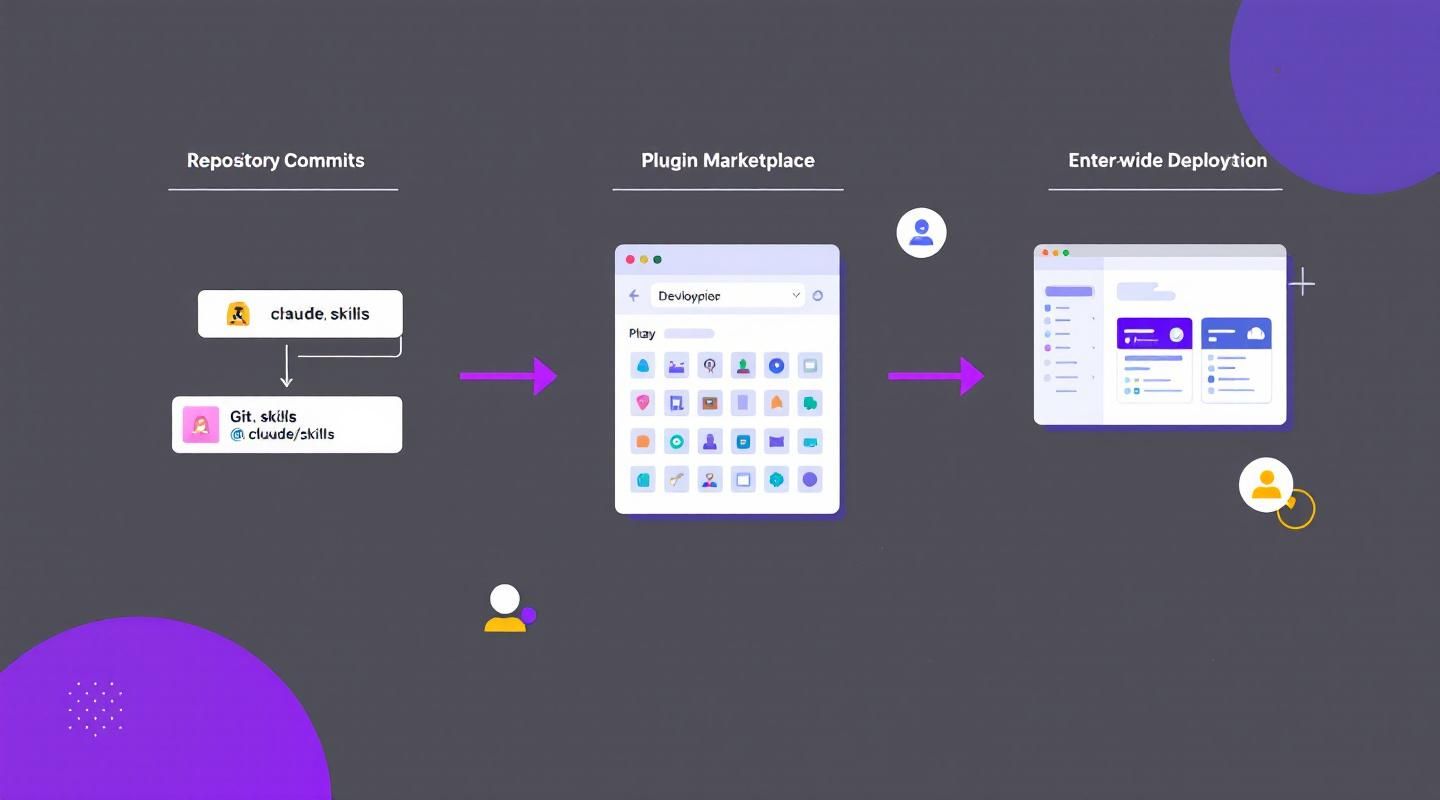
When working with Claude on coding projects, context management is crucial. Your project might have dozens or hundreds of files, but Claude only needs the right information to help you effectively. Too much irrelevant context actually decreases Claude's performance, so learning to guide it toward relevant files and documentation is essential.
When you first start Claude in a new project, run the /init command. This tells Claude to analyze your entire codebase and understand:
How to use it:
/init
After analyzing your code, Claude creates a summary and writes it to a CLAUDE.md file.
When Claude asks for permission to create this file, you have two options:
What /init analyzes:
Example CLAUDE.md generated by /init:
# Project Overview

This is a React + TypeScript web application with a Node.js backend.

## Key Commands

- `npm run dev` - Start development server
- `npm test` - Run tests
- `npm run build` - Build for production

## Architecture

- Frontend: React with TypeScript
- Backend: Express.js API
- Database: PostgreSQL with Prisma ORM
- State Management: Redux Toolkit

## Important Files

- `src/App.tsx` - Main application component
- `server/index.ts` - API server entry point
- `prisma/schema.prisma` - Database schema

## Coding Style

- Use functional components with hooks
- Prefer TypeScript strict mode
- Follow Airbnb style guide
The CLAUDE.md file serves two main purposes:
This file gets included in every request you make to Claude, so it's like having a persistent system prompt for your project.
Without CLAUDE.md:
With CLAUDE.md:
Claude recognizes three different CLAUDE.md files in three locations:
Location: ./CLAUDE.md (project root)
Purpose: Project-specific context shared with the team
Generated by: /init command
Committed to: Source control (Git)
Shared with: All team members
Example use cases:
Location: ./CLAUDE.local.md (project root)
Purpose: Personal instructions for this project only
Generated by: You (manually)
Committed to: Not committed (add to .gitignore)
Shared with: Only you
Example use cases:
Example CLAUDE.local.md:
# Personal Instructions

- I'm currently refactoring the authentication system
- Focus on security best practices
- Use verbose logging for debugging
- Prefer explicit error handling over try/catch
Location: ~/.claude/CLAUDE.md (home directory)
Purpose: Instructions for all projects on your machine
Generated by: You (manually)
Committed to: Not applicable (personal file)
Shared with: Only you, across all projects
Example use cases:
Example ~/.claude/CLAUDE.md:
# Global Instructions

- Always use TypeScript strict mode
- Prefer functional programming patterns
- Write comprehensive tests for all features
- Use descriptive variable names
- Add JSDoc comments for public APIs
When multiple CLAUDE.md files exist, they're all included, but in this order:
~/.claude/CLAUDE.md)./CLAUDE.md)./CLAUDE.local.md)If there are conflicts, later files take precedence.
You can customize how Claude behaves by adding instructions to your CLAUDE.md file.
The # command enters "memory mode" - this lets you edit your CLAUDE.md files intelligently.
Example:
# Use comments sparingly. Only comment complex code.
Claude will merge this instruction into your CLAUDE.md file automatically.
More examples:
# Always use async/await instead of .then() for promises
# Prefer named exports over default exports
# Use Tailwind CSS for styling, not custom CSS
You can also edit CLAUDE.md files directly:
Project-specific:
code CLAUDE.md
Personal (local):
code CLAUDE.local.md
Global:
code ~/.claude/CLAUDE.md
When you need Claude to look at specific files, use the @ symbol followed by the file path.
How does the auth system work? @auth
Claude will:
Review @src/components/Header.tsx
Claude includes that specific file.
How do these components work together? @Header @Footer @Layout
Claude includes all mentioned files.
Review all API routes @src/api/*.ts
Claude includes all matching files.
You can mention files directly in your CLAUDE.md file using the same @ syntax. This is useful for files that are relevant to many aspects of your project.
Example:
# Database Schema

The database schema is defined in @prisma/schema.prisma. Reference it anytime you need to understand the structure of data stored in the database.

# API Routes

All API routes are defined in @src/api/routes.ts. Check this file when adding new endpoints.

# Configuration

Environment variables are documented in @.env.example.
When you mention a file this way, its contents are automatically included in every request, so Claude can answer questions about your data structure immediately without having to search for and read the schema file each time.
Run /init when you first start working on a project. This gives Claude a solid foundation.
Don't dump everything into CLAUDE.md. Focus on:
❌ Too much:
# Every Single File

- src/components/Button.tsx - A button component
- src/components/Input.tsx - An input component
- src/components/Select.tsx - A select component
...(100 more files)
✅ Just right:
# Key Components

- Component library in @src/components
- Shared utilities in @src/utils
- API client in @src/api/client.ts
Don't include files in CLAUDE.md unless they're frequently needed. Use @ mentions in your questions instead.
When to include in CLAUDE.md:
When to use @ in questions:
When you make significant changes:
Testing new patterns? Add them to CLAUDE.local.md first:
# Experimental: New State Management

Trying Zustand instead of Redux. Use Zustand for new features.
If it works well, promote it to the main CLAUDE.md.
CLAUDE.md:
# Database

Schema: @prisma/schema.prisma

Reference this file when:
- Adding new models
- Understanding relationships
- Writing queries
CLAUDE.md:
# API Routes

All routes defined in @src/api/routes.ts

Follow RESTful conventions:
- GET for retrieval
- POST for creation
- PUT for updates
- DELETE for removal
CLAUDE.md:
# Components

UI components in @src/components

Use existing components before creating new ones.
Follow the pattern in @src/components/Button.tsx
CLAUDE.md:
# Testing

Test files in @src/**/*.test.ts

Every feature requires:
- Unit tests
- Integration tests
- E2E tests (for critical paths)

Follow the pattern in @src/components/Button.test.tsx
Initialize:
/init
Review generated CLAUDE.md:
cat CLAUDE.md
Add custom instructions:
# Always use async/await for promises
# Prefer named exports
# Use Tailwind for styling
Reference key files:
Database schema: @prisma/schema.prisma
API routes: @src/api/routes.ts
Ask with context:
How should I implement user authentication? @src/api/auth.ts @prisma/schema.prisma
Claude responds with full context of your auth system and database schema
Follow up:
Add password reset functionality
Claude remembers the files you mentioned and continues with that context
Solution: Run /init to generate CLAUDE.md
Solution: Check that your instructions are in CLAUDE.md (not just in chat)
Solution:
@ mentions in questions insteadSolution:
CLAUDE.mdUse sections in CLAUDE.md for different scenarios:
# Frontend Development

When working on UI:
- Component library: @src/components
- Styling: Use Tailwind CSS
- State: Use Redux Toolkit

# Backend Development

When working on API:
- Routes: @src/api/routes.ts
- Database: @prisma/schema.prisma
- Auth: @src/api/auth.ts
# Shortcuts

- "auth" refers to @src/api/auth.ts and @src/components/Auth
- "db" refers to @prisma/schema.prisma
- "api" refers to @src/api/routes.ts
# External Documentation

- React: https://react.dev
- TypeScript: https://www.typescriptlang.org/docs
- Prisma: https://www.prisma.io/docs
/init - Analyze project and create CLAUDE.md# - Enter memory mode to add instructions@filename - Include file in conversation./CLAUDE.md - Project context (shared)./CLAUDE.local.md - Personal project context (not shared)~/.claude/CLAUDE.md - Global context (all projects)@auth - Search for auth-related files@src/api/routes.ts - Include specific file@src/api/*.ts - Include all matching filesEffective context management is the key to productive conversations with Claude:
The right context at the right time makes Claude a powerful coding partner. Too much context overwhelms. Too little context leaves Claude guessing. Master the balance, and you'll have a coding assistant that truly understands your project.
Start every new project with /init, maintain your CLAUDE.md file as the project evolves, and use @ mentions to provide specific context when needed. With these tools, Claude becomes an expert in your codebase.
Written by

AI Insights & Innovations
Anablock is a technology and AI systems company helping businesses automate workflows, connect tools, improve lead handling, and build smarter digital growth systems. The Anablock team writes about AI implementation, automation, CRM, lead generation, SEO/AEO, and practical ways businesses can use technology to operate better and grow.


If you are ready to move from research to implementation, we can help map the right AI system around your tools, data, team, and goals.