
November 5, 2026
Dental patient intake automation lets new patients finish their forms on their phone before they arrive. See how it cuts waiting for patients and takes real weight off your front desk.
Your trial sign ups look healthy. The dashboard says 400 new accounts this month. Then you check how many reached the one action that proves your product works, and the number is a fraction of that.
This is the quiet leak at the center of most startups. Acquisition gets the budget, the launch posts, and the team attention. Meanwhile most trial users sign up, poke around for a few minutes, get distracted, and never come back.
Free trial conversion is rarely lost in a single dramatic moment. It is lost in small ones: a confusing first screen, a setup step that stalls, a week of silence, a decision that gets made on day 13 with no one in the room.
The good news is that those moments are predictable. And that makes them perfect for AI agents.
Trial users are not rejecting your product. Most of them never got far enough to form an opinion. The common causes are simple:
A small team cannot watch every trial user personally. A well designed AI agent can.
Product led growth works because the product itself does the selling. Users experience value first, then pay. The weakness is that it assumes users find the value on their own.
Product led growth AI closes that gap. Instead of a fixed email drip that sends the same messages to everyone on the same days, an AI agent reads what each user actually did and responds to it. Think of it as a loop with four parts:
That last step matters. The goal is not to replace your team. It is to point your team at the users who most need a person.
The first session decides more than any other. A user who reaches a meaningful result on day 1 is far more likely to return than one who only finishes a profile.
Define your activation moment first. It is the specific action that correlates with long term use. For a CRM, it might be importing contacts and sending a first message. For an analytics tool, it might be connecting a data source and viewing a first chart.
Then build the day 1 agent around that single goal:
The test is simple. If a user spends ten minutes with your product on day 1, they should leave having seen something that worked.
By the middle of the trial, the pattern splits. Some users are active and exploring. Others have gone quiet, and these are the ones you can still save.
Stalled usage is a signal, and an agent can read it the moment it appears. Useful triggers include:
The response should match the trigger. A user who abandoned setup halfway needs a short message that names the exact step where they stopped and offers to finish it with them. A user who logged in but never touched the core feature needs a quick walkthrough of that feature, tied to the goal they gave on day 1.
Keep these nudges useful, not noisy. One message that solves a specific problem beats three that say "just checking in." And if the user still does not respond, let the agent change channels or try a different angle instead of repeating itself.
This is also the point to ask a direct question. Something like "What got in the way?" often gets a reply, and the answer teaches your team more about your onboarding than any dashboard.
By day 12, the user is deciding, whether they say so or not. This is where many startups go silent, then send a generic "your trial ends soon" notice that reads like an alarm.
A better day 12 agent does three things.
It summarizes the value already created. A message that says what the user accomplished, such as contacts imported, messages sent, or hours saved, makes the case for paying better than any pitch.
It answers the pricing question before it is asked. Show which plan fits their usage and what changes after the trial. Remove surprises, and the decision gets easier.
It routes high intent users to a human. If a user invited teammates, hit a usage limit, or visited the pricing page more than once, those are buying signals. This is the moment for a person to step in with a short call, not another automated email.
For users who did not engage, the day 12 message can offer an extension or a quick conversation about what was missing. A short extension for an engaged but busy user often converts better than letting the trial lapse.
You do not need a huge stack to start. SaaS onboarding automation with AI agents rests on a few essentials:
Track a short list of numbers and review them weekly:
If activation goes up, conversion usually follows. Fix the early steps first.
At Anablock, we build AI agents and an AI first CRM that work together to turn early interest into revenue. Ana, the AI assistant inside Anablock CRM, can qualify leads, draft and send outreach, schedule follow up sequences, and keep every contact and conversation in one record. Echo handles conversations across channels and passes the right people to your team. Together they give a lean startup team the coverage of a much larger one, without losing the personal touch that closes deals.
If your trial numbers look good but your paid numbers do not, there is probably a leak in the first 14 days. We can help you find it and build the agents that close it.
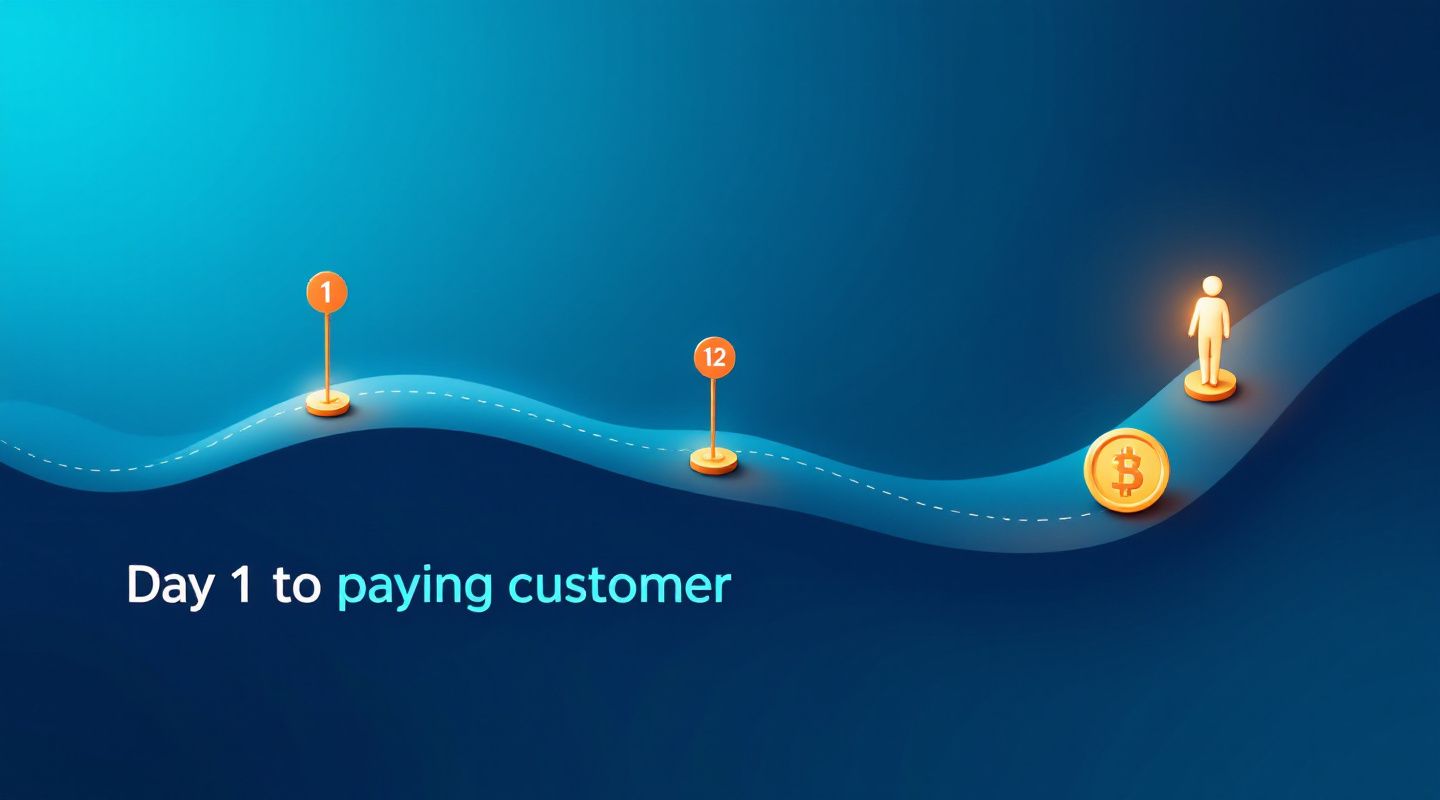
Book a call with our team and let's map your trial journey from day 1 to paying customer.
Written by


If you are ready to move from research to implementation, we can help map the right AI system around your tools, data, team, and goals.